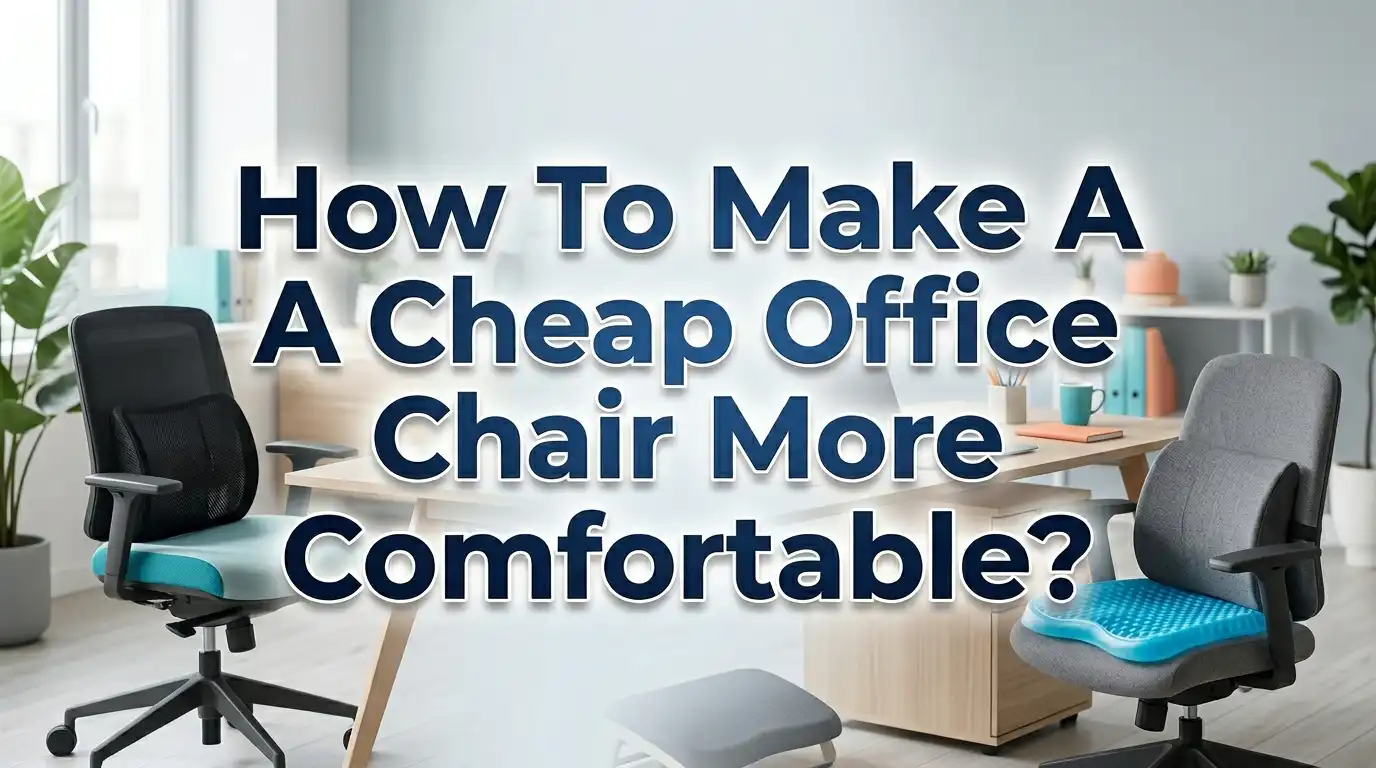
How To Make A Cheap Office Chair More Comfortable?
You bought a budget office chair thinking it would do the job. Now your back hurts, your legs go numb, and you dread sitting down at your desk every morning. Sound familiar? You are not alone.
Millions of workers sit in cheap office chairs for eight or more hours a day and pay the price with aches, poor posture, and low productivity. The good news is you do not need to spend hundreds of dollars on a brand new ergonomic chair.
This guide walks you through 15 practical, step by step solutions to make your cheap office chair feel like a premium one. Keep reading to discover exactly how to fix your chair problems today.
In a Nutshell
- Adjust your chair height correctly so your feet rest flat on the floor and your thighs stay parallel to the ground. This single change can reduce lower back strain and leg discomfort almost instantly.
- Add lumbar support using a dedicated cushion or a simple rolled up towel. Your lower back has a natural curve, and most cheap chairs ignore it completely. Filling that gap changes everything.
- Use a quality seat cushion made of memory foam or gel to relieve pressure on your tailbone and hips. A good cushion distributes your body weight more evenly across the seat.
- Upgrade your armrests or add padding to them so your shoulders and neck do not carry extra tension throughout the day. Proper arm support keeps your upper body relaxed.
- Take regular stretch breaks every 30 to 60 minutes. No chair upgrade can replace the benefits of standing, moving, and stretching during your workday. The Mayo Clinic recommends short movement breaks to prevent stiffness and improve circulation.
- Combine multiple small fixes for the best results. One cushion alone may help, but pairing it with a footrest, lumbar roll, and proper desk height creates a truly comfortable setup.
Start By Adjusting Your Chair Height Properly
The very first thing you should do is check your chair height. This is a free fix that most people overlook. Your feet should rest flat on the floor with your knees bent at roughly a 90 degree angle. Your thighs should be parallel to the ground or angled slightly downward.
If the chair is too high, your feet will dangle. That creates pressure under your thighs and cuts off blood flow. If the chair is too low, your knees will rise above your hips. That forces your pelvis to tilt backward and puts stress on your lower spine.
Most cheap office chairs have a basic pneumatic lever for height adjustment. Sit in the chair, reach under the right side of the seat, and pull the lever while standing slightly to raise or lower the seat. Adjust until your elbows are roughly level with your desk surface.
Pros: This costs nothing, takes 30 seconds, and delivers immediate relief. It is the foundation for every other fix on this list.
Cons: Some very cheap chairs have limited height range, so you might still end up too high or too low for your desk. If your desk is not adjustable, you may need a footrest to compensate.
Getting the height right also improves your typing posture. Your forearms should extend to your keyboard at a comfortable angle without your shoulders hunching. This one adjustment alone reduces strain across your entire upper body.
Add a Lumbar Support Cushion or DIY Lumbar Roll
Cheap office chairs almost never include proper lumbar support. The backrest is usually flat or slightly curved, which forces your lower back into an unnatural position. Over hours of sitting, this leads to lower back pain, muscle fatigue, and poor posture.
The fix is simple. Place a lumbar support cushion in the gap between your lower back and the chair. Position it right at the curve of your lower spine, typically a few inches above your belt line. The cushion should feel snug but not push you too far forward.
If you do not want to buy a cushion, you can make a DIY lumbar roll with a rolled up bath towel. Fold the towel lengthwise, roll it tightly, and secure it with rubber bands. Place it behind your lower back. Physical therapists have used this exact method for decades because it works.
Pros: A lumbar cushion is inexpensive and instantly fills the gap that cheap chairs leave. It supports your spine’s natural S curve and reduces muscle strain. The DIY towel method is completely free.
Cons: A towel roll can shift around during the day and may need frequent readjustment. Some cushions are too thick or too thin for certain body types, so you may need to try a couple of options before finding the right fit.
Memory foam lumbar pillows contour to your spine over time and hold their shape well. They are widely available and one of the most popular upgrades for budget chairs.
Use a Memory Foam or Gel Seat Cushion
The seat pad on a cheap office chair is often thin, hard, and made of low quality foam. After a few months of use, it compresses and offers almost no cushioning. This causes pressure to concentrate on your tailbone, sit bones, and hips.
A memory foam seat cushion solves this problem by distributing your body weight more evenly. It conforms to the shape of your body and reduces pressure points. Gel seat cushions work similarly but tend to stay cooler because gel dissipates heat better than foam.
Place the cushion directly on the chair seat with the flat side down. Many cushions include a non slip bottom to keep them in place. Some feature a coccyx cutout, which is a U shaped gap at the back of the cushion that relieves pressure directly on your tailbone.
Pros: Seat cushions provide immediate comfort improvement. They are portable, so you can take them between your office, car, and home. Research shows that dynamic or ergonomic seat cushions can reduce the occurrence of neck and lower back pain by promoting better posture.
Cons: Very thick cushions can raise your seated height, which might throw off your desk ergonomics. Cheap foam cushions flatten quickly and need replacement. Memory foam can also retain heat, making it less comfortable in warm environments.
Choose a cushion that matches your body weight. Heavier individuals should look for high density foam, while lighter users may prefer softer options.
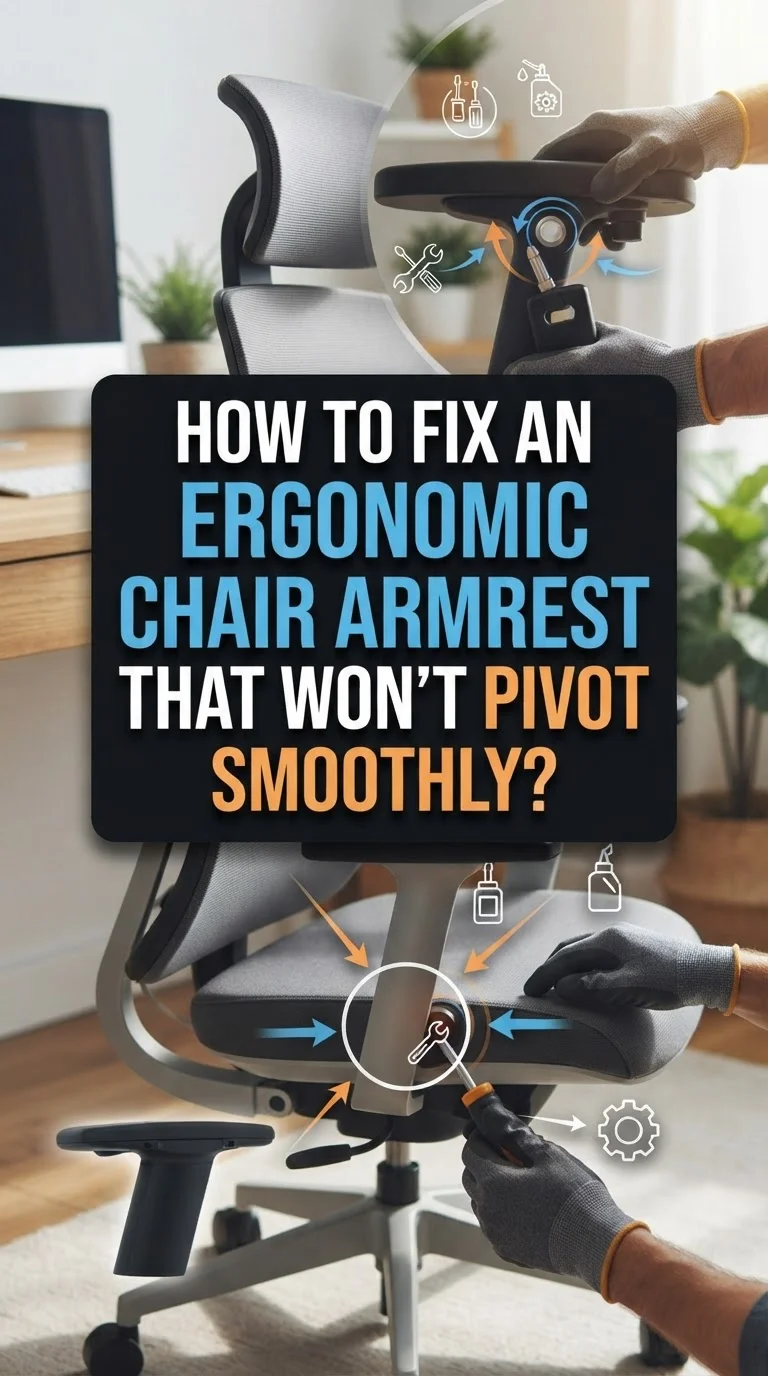
Fix or Pad Your Armrests
Armrests on budget chairs are often made of hard plastic with no padding. They sit at fixed heights and sometimes at awkward widths. Bad armrests cause you to shrug your shoulders, lean to one side, or hunch forward, which creates neck and shoulder tension.
If your armrests are adjustable, set them so your elbows rest at a 90 degree angle with your forearms parallel to the floor. Your shoulders should feel relaxed, not pushed up. According to the GSA’s ergonomic seating guide, armrests should barely touch the undersides of your elbows.
If the armrests are fixed and uncomfortable, you can add foam armrest pads. These slip over the existing armrests and provide a soft, cushioned surface. They are inexpensive and come in various sizes.
Pros: Proper armrest height reduces tension in your neck, shoulders, and upper back. Padded armrests prevent pressure sores on your elbows during long work sessions.
Cons: Not all aftermarket pads fit every chair. Some pads slip around and need adhesive strips to stay in place. If your armrests are at a permanently wrong height, padding alone will not fix the problem.
Another option is to remove the armrests entirely if they are causing more harm than good. Many cheap chairs have armrests bolted on with simple screws. Removing them lets you sit closer to your desk and move more freely.
Add a Footrest Under Your Desk
If your chair height is correct for your desk but your feet do not reach the floor, you need a footrest. Dangling feet create pressure under your thighs, restrict blood flow, and contribute to lower back pain. This is a common issue for shorter individuals or people with taller desks.
A footrest gives your feet a flat, stable surface to rest on. Angle the footrest so that your thighs remain parallel to the floor and your knees stay at about a 90 degree angle. Some footrests rock or tilt, which encourages gentle movement and keeps your leg muscles engaged throughout the day.
You do not need a fancy footrest. A sturdy box, a stack of old books, or a small step stool works perfectly. The key is to find a height that keeps your lower body aligned and supported.
Pros: A footrest completes the ergonomic chain from your chair to the floor. It stabilizes your posture and reduces fatigue in your legs and lower back. Rocking footrests also help with circulation.
Cons: Footrests take up space under your desk. They can slide on smooth floors unless they have a non slip base. If your desk is too low, a footrest might force your knees up too high.
The Mayo Clinic specifically recommends using a footrest if your feet cannot rest flat on the ground while seated. It is one of the simplest fixes with a big impact.
Recline Your Backrest Slightly
Most people sit perfectly upright at 90 degrees and think that is correct posture. In reality, a slight recline of 100 to 110 degrees reduces pressure on your spinal discs. This position distributes weight between your back and the seat more naturally.
Check if your cheap chair has a tilt or recline function. Many budget chairs have a knob or lever under the seat that controls the backrest tension or locks the recline angle. Loosen the tension knob slightly so the backrest tilts backward when you lean into it.
If your chair has no recline function at all, a thick lumbar cushion can create a similar effect by angling your torso slightly backward while still supporting your lower spine.
Pros: Reclining slightly reduces disc pressure by up to 50% compared to sitting straight at 90 degrees. It relaxes your back muscles and reduces fatigue during long sitting sessions.
Cons: Too much recline makes it hard to reach your keyboard and monitor. You might need to adjust your desk height or monitor angle to compensate. Some cheap chairs have very stiff or very loose recline mechanisms that are hard to set at the ideal angle.
Avoid locking your chair in a single position for the entire day. Movement is key. Adjust your recline throughout the day to shift your body weight and prevent stiffness.
Upgrade Your Chair Wheels
Cheap office chairs usually come with hard plastic caster wheels. These wheels scratch hardwood floors, roll unevenly on carpet, and create a rough, jerky experience every time you move. Bad wheels force you to push harder to roll, which strains your back and legs.
Rollerblade style caster wheels are one of the most popular and affordable upgrades. They use soft polyurethane material that glides smoothly on both hard floors and carpet. They are quiet, floor safe, and universally compatible with most office chair stems.
Swapping the wheels is simple. Pull the old casters straight out of the chair base and push the new ones in. No tools required in most cases. The entire process takes under five minutes.
Pros: New wheels make your chair roll smoothly with less effort. They protect your floors from scratches and marks. They also reduce noise, which matters in shared workspaces or home offices.
Cons: Rollerblade wheels move very freely on hard floors, which some people find unsettling at first. If you prefer your chair to stay put, you might want casters with a braking feature. Very cheap replacement wheels may not last as long as premium options.
Smooth rolling reduces the small, constant physical adjustments you make all day. This seemingly minor upgrade can have a noticeable impact on your overall comfort.
Support Your Neck and Head
Many cheap office chairs have short backrests that end below your shoulders. This leaves your neck and head completely unsupported, especially if you recline even slightly. Over time, this leads to neck stiffness, headaches, and upper back pain.
If your chair has a tall enough backrest, you can attach a clip on headrest. These accessories clamp onto the top of the chair frame and provide a padded surface for your head to rest against. They are adjustable in both height and angle.
For chairs with short backs, a small neck pillow can help during moments of rest. However, the best solution might be to position your monitor at the correct height so you do not look down or up constantly. Your eyes should look at the top third of your screen when sitting naturally.
Pros: Neck support reduces tension headaches and upper back pain. A headrest allows you to recline comfortably without straining your neck muscles.
Cons: Clip on headrests do not fit every chair style. Some feel flimsy and wobble during use. A headrest adds bulk to your chair and may not look great on a small, budget chair.
Combine neck support with proper monitor placement for the best results. Your screen should sit at arm’s length away, with the top of the display at or slightly below eye level.
Improve Your Desk and Monitor Setup
Sometimes the problem is not the chair itself but the desk and monitor arrangement. A poorly positioned desk forces bad posture, and no chair upgrade can fix that. Your keyboard should sit at a height where your forearms are parallel to the floor. Your monitor should be directly in front of you, not off to the side.
If your desk is too high, your shoulders will rise and create tension. If it is too low, you will hunch forward. A simple keyboard tray can lower your typing surface without changing the desk itself.
For monitors that sit too low, use a monitor stand, a stack of books, or a monitor arm to raise the screen. Position the top of the screen at eye level. This prevents you from tilting your head downward, which puts strain on your cervical spine.
Pros: Correct desk setup works together with your chair adjustments to create a complete ergonomic workstation. It addresses the root cause of many posture problems rather than just treating symptoms.
Cons: Adjustable desks and monitor arms cost money. Stacking books under a monitor is not the most stable solution. If you work on a laptop, raising the screen means you need an external keyboard.
Think of your workspace as a system. Your chair, desk, keyboard, and monitor all need to work together. Fixing one without addressing the others will only give you partial relief.
Take Regular Stretch and Movement Breaks
No matter how comfortable your chair is, sitting for hours without moving is bad for your body. Muscles tighten, blood flow slows, and joints stiffen. The Canadian Centre for Occupational Health and Safety recommends a 5 to 10 minute break for every hour spent at a workstation.
Simple seated stretches can make a big difference. Try a seated spinal twist by placing one hand on the opposite knee and gently rotating your torso. Stretch your neck by slowly tilting your ear toward each shoulder. Open your chest by clasping your hands behind your back and squeezing your shoulder blades together.
Standing up to walk, even for a minute or two, is even better. Take phone calls standing up. Walk to the kitchen for water. Do a few squats beside your desk. These small actions prevent the stiffness and pain that accumulate from prolonged sitting.
Pros: Stretching and movement are free, require no equipment, and provide immediate relief from muscle tension. Studies show that lunchtime stretching exercises can reduce musculoskeletal pain and fatigue.
Cons: It is easy to forget to take breaks, especially during focused work. Setting a timer can help, but some people find it disruptive. Movement breaks do not fix a structurally bad chair.
Build the habit by setting a recurring alarm on your phone or using a break reminder app. Even a 60 second stretch every 30 minutes adds up to significant relief over a full workday.
Try a Seat Wedge Cushion for Better Posture
A seat wedge cushion is a triangular cushion that tilts your pelvis slightly forward. This tilt encourages your spine to maintain its natural curve and prevents the slouching that flat seats promote. Most cheap chairs have completely flat seats or even seats that tilt slightly backward, which makes slouching almost inevitable.
Place the wedge on your chair with the thick end at the back and the thin end at the front. Your hips should now sit slightly higher than your knees. This open hip angle reduces compression on your lower spine and engages your core muscles gently.
Wedge cushions come in foam, memory foam, and inflatable varieties. Inflatable wedges let you adjust the thickness by adding or releasing air, which gives you more control over the tilt angle.
Pros: Wedge cushions actively improve your sitting posture rather than just adding comfort. They encourage core engagement, which strengthens your postural muscles over time. They are small, lightweight, and portable.
Cons: The forward tilt feels unusual at first and takes a few days to adjust to. If the wedge is too steep, it can cause you to slide forward off the seat. People with certain hip or knee conditions may find the tilt uncomfortable.
A wedge cushion works especially well when combined with a lumbar support cushion. Together, they address both the seat angle and the backrest gap, creating a much more ergonomic sitting position.
Wrap Your Chair in a Breathable Cover
Cheap office chairs often use faux leather or low quality mesh that traps heat and makes you sweat. Excessive heat and moisture cause discomfort, irritation, and constant fidgeting during long work sessions. A breathable chair cover solves this problem.
Look for covers made of mesh fabric, bamboo fiber, or moisture wicking material. These fabrics allow air to circulate between your body and the seat. Some covers also add a thin layer of padding, which improves comfort while keeping you cool.
Chair covers are easy to install. Most have elastic bands or drawstrings that wrap around the seat and backrest. They are also machine washable, which keeps your chair clean and fresh.
Pros: A breathable cover improves airflow and reduces sweating. It adds a small amount of cushioning. It can also hide stains, wear, and tear on an older chair, giving it a fresh look.
Cons: Covers can shift or bunch up during the day, especially on smooth seat surfaces. Very thick covers may change the feel of the seat in ways you do not like. They add another layer that needs regular washing.
If your chair already has a mesh back but a vinyl seat, you only need a seat cover. Choose a cover that fits your chair dimensions snugly to prevent bunching and sliding.
Consider a Posture Corrector or Back Brace
If you struggle to maintain good posture despite all other adjustments, a posture corrector can serve as a helpful training tool. These devices wrap around your shoulders and upper back to gently pull them into alignment. They remind your muscles to stay in the correct position.
Wear the posture corrector during your work hours, starting with 15 to 30 minutes per day and gradually increasing the duration. Your muscles need time to adapt. Wearing one for too long, too soon can cause soreness.
Back braces are a more substantial option for people with existing lower back pain. They wrap around your midsection and provide compression and support. However, they should be used as a temporary aid, not a permanent fix, because prolonged use can weaken your core muscles.
Pros: Posture correctors build awareness of your body position and help train your muscles to sit correctly. They are inexpensive and easy to use.
Cons: They can feel restrictive and uncomfortable at first. Over reliance can lead to muscle weakness. They treat the symptom of poor posture rather than the root cause, which is usually a combination of chair setup and habit.
Pair a posture corrector with strengthening exercises for your core and back muscles. This combination gives you both short term correction and long term improvement.
Use Armrest Desk Extenders for Extra Support
If your chair’s armrests do not reach your desk level, or if you want a wider, more stable surface for your forearms, armrest desk extenders (also called arm support pads) can help. These clamp onto your desk edge and provide a padded platform that supports your forearm while you type or use a mouse.
This reduces the strain on your shoulders and neck because your arms have a stable resting place. It also keeps your wrists in a neutral position, which helps prevent repetitive strain injuries like carpal tunnel syndrome.
Install the extender on the edge of your desk, near where your mouse or keyboard sits. Adjust the height and angle so your forearm rests flat and your shoulder stays relaxed. The goal is to remove the weight of your arm from your shoulder joint and place it on the desk extender instead.
Pros: Desk extenders reduce shoulder, neck, and wrist strain. They work with any chair, even ones with no armrests at all. They are easy to install and remove.
Cons: They take up desk space and can interfere with other items on your desk. Some models clamp tightly and can scratch or dent desk edges. They may not fit very thick or very thin desks.
This solution is especially useful for people who spend a lot of time using a mouse. Supporting the mouse arm alone can dramatically reduce right side neck and shoulder tension.
Combine Multiple Fixes for the Best Results
No single upgrade will transform a cheap chair into a premium ergonomic seat. The real magic happens when you stack several small improvements together. A lumbar cushion plus a seat cushion plus proper height adjustment creates a dramatically different sitting experience than any one fix alone.
Start with the free adjustments first. Set your chair height correctly. Position your monitor and keyboard. Tilt your backrest to a slight recline. These cost nothing and take minutes.
Then add one or two accessories. A lumbar roll and a seat cushion are the two most impactful purchases for most people. If your feet do not reach the floor, add a footrest. If your armrests are painful, pad them or remove them.
Pros: A combined approach addresses comfort from multiple angles. It is much cheaper than buying a new ergonomic chair, and it lets you customize each element to your specific body and preferences.
Cons: Buying multiple accessories can add up in cost, though it is still far less than a new chair. Too many add ons can clutter your chair and make it look bulky. You might need to experiment to find the right combination.
The goal is to create a setup that supports your body at every contact point: your feet, seat, lower back, arms, and neck. Each fix you add closes one more gap in your cheap chair’s support. Over time, you will notice less pain, better focus, and more energy at the end of the workday.
Frequently Asked Questions
What is the cheapest way to make an office chair more comfortable?
The cheapest way is to adjust the chair height correctly and add a DIY lumbar roll made from a rolled up towel. Both of these fixes are completely free and take less than a minute. Proper height adjustment alone can reduce back pain and leg discomfort. A towel roll fills the gap between your lower back and the chair, supporting your spine’s natural curve. These two changes address the most common complaints about cheap office chairs without spending a single dollar.
Can a seat cushion really help with back pain from sitting?
Yes. A quality seat cushion distributes your body weight more evenly across the seat surface. This reduces pressure on your tailbone, sit bones, and hips. Memory foam and gel cushions conform to your body shape and prevent pressure points from forming. Research published in the journal BMC Musculoskeletal Disorders found that dynamic seat cushions effectively reduce neck and lower back pain. A cushion with a coccyx cutout is especially helpful for tailbone pain.
How often should I take breaks from sitting in my office chair?
Experts recommend standing and moving every 30 to 60 minutes. The Canadian Centre for Occupational Health and Safety suggests a 5 to 10 minute break for every hour of sitting. You do not need to do anything intense. A short walk, a few simple stretches, or even standing while taking a phone call is enough. These breaks prevent muscle stiffness, improve blood circulation, and give your spine a chance to decompress.
Is it worth upgrading the wheels on a cheap office chair?
Absolutely. Replacing hard plastic casters with soft polyurethane rollerblade style wheels is one of the most satisfying small upgrades you can make. The new wheels roll smoothly and quietly on hard floors and carpet. They protect your flooring from scratches and reduce the physical effort of moving in your chair. The swap takes under five minutes and requires no tools. This small change reduces friction and makes your entire seated experience smoother.
Should I remove the armrests from my cheap office chair?
It depends on the armrests. If they are fixed at an uncomfortable height and you cannot adjust or pad them, removing them can improve your comfort. Bad armrests force your shoulders up or out of alignment, causing neck and shoulder pain. Without armrests, you can sit closer to your desk and move more freely. However, if you can adjust or pad the armrests to the correct height, keeping them is better because they reduce strain on your shoulders and upper back.
How do I know if my office chair is causing my back pain?
Common signs include pain that starts after sitting for an extended period and goes away when you stand or walk. If you notice stiffness in your lower back, numbness in your legs, or tension in your neck and shoulders at the end of a workday, your chair setup is likely a factor. Try adjusting your chair height, adding lumbar support, and improving your desk ergonomics. If your pain persists after making these changes, consult a healthcare professional for a thorough evaluation.

Hi, I’m Clara! I started SitSmartGuide to help people find chairs that truly support their comfort and health — without the guesswork. After years of dealing with back pain from bad seating, I became obsessed with testing, researching, and reviewing chairs so you don’t have to learn the hard way.